Initial cloud setup
Before we can create an launch a Virtual Machine Instance, we need to first login to Jetstream:
-
Navigate to https://use.jetstream-cloud.org.
-
Click
Loginin the top right to authenticate using your XSEDE credentials: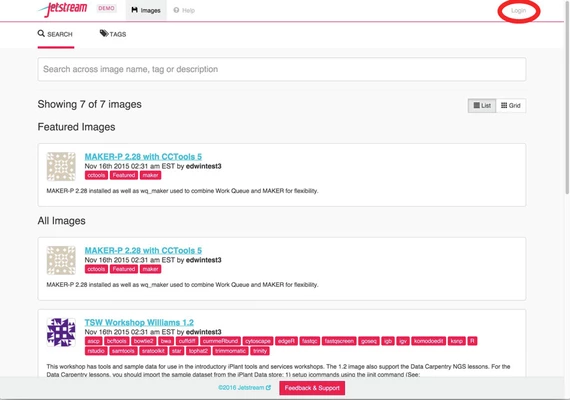
-
On the Globus Auth screen select
XSEDEand click Continue.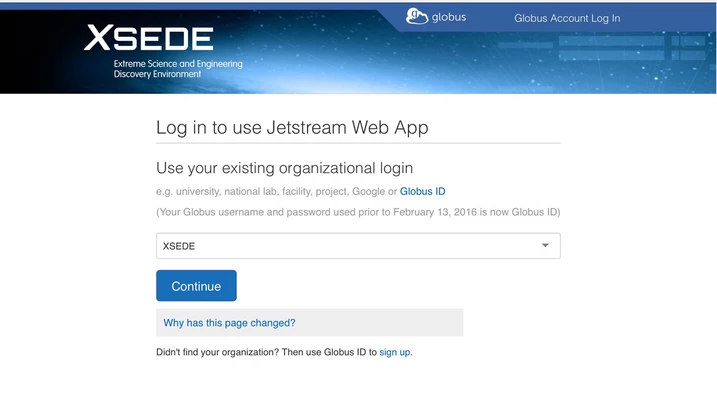
-
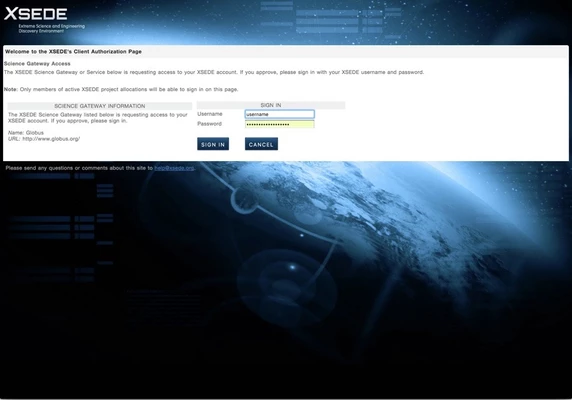
Enter your XSEDE credentials.
(Use thetrain###information we handed out in class).
Best results will occur if you treat your username as if it were case-sensitive when using Jetstream.
-
After clicking
Allow, the web interface to Jetstream calledAtmospherewill load.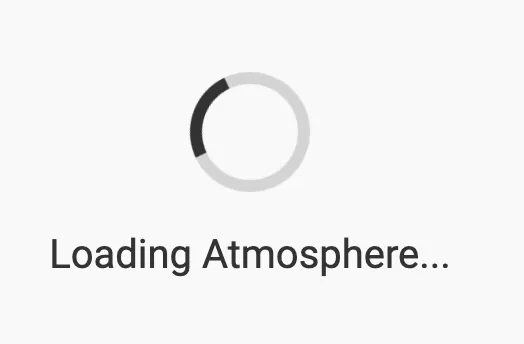
-
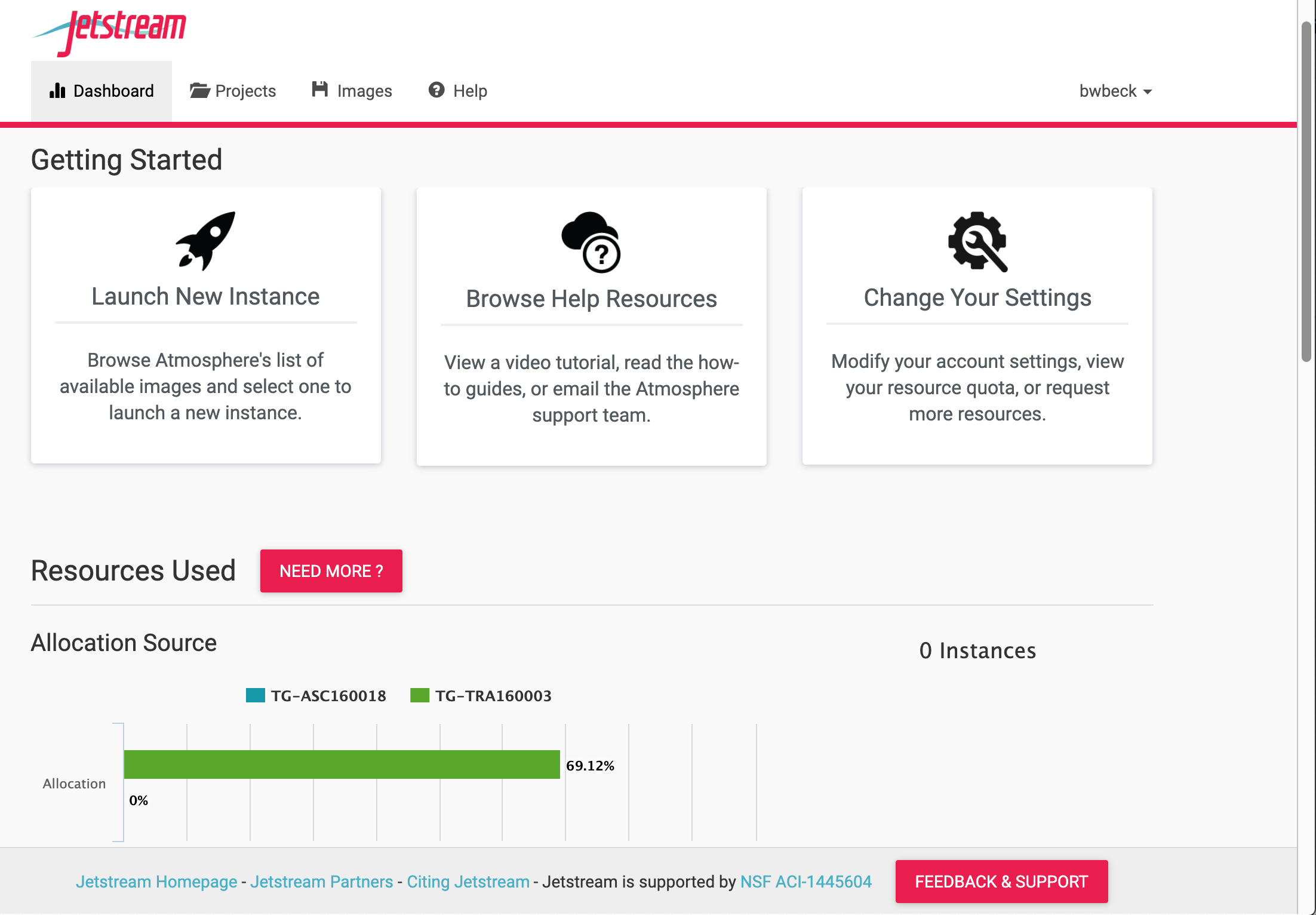
The Jetstream
Dashboardwill be displayed.
On this page you will be able to:- launch a new Instance (virtual computer)
- browse help resources
- change settings
- view resources and usage history
| Next: Deploy VM | Top: Course Overview |